View and Edit Profile
The User Profile section contains the user’s personal information and allows basic account settings to be managed in the AuditBLOOM mobile application.
Viewing Profile Information
The following information is displayed in the profile:
- user Email
- Phone number
- Workspace type
- current application language
- time zone
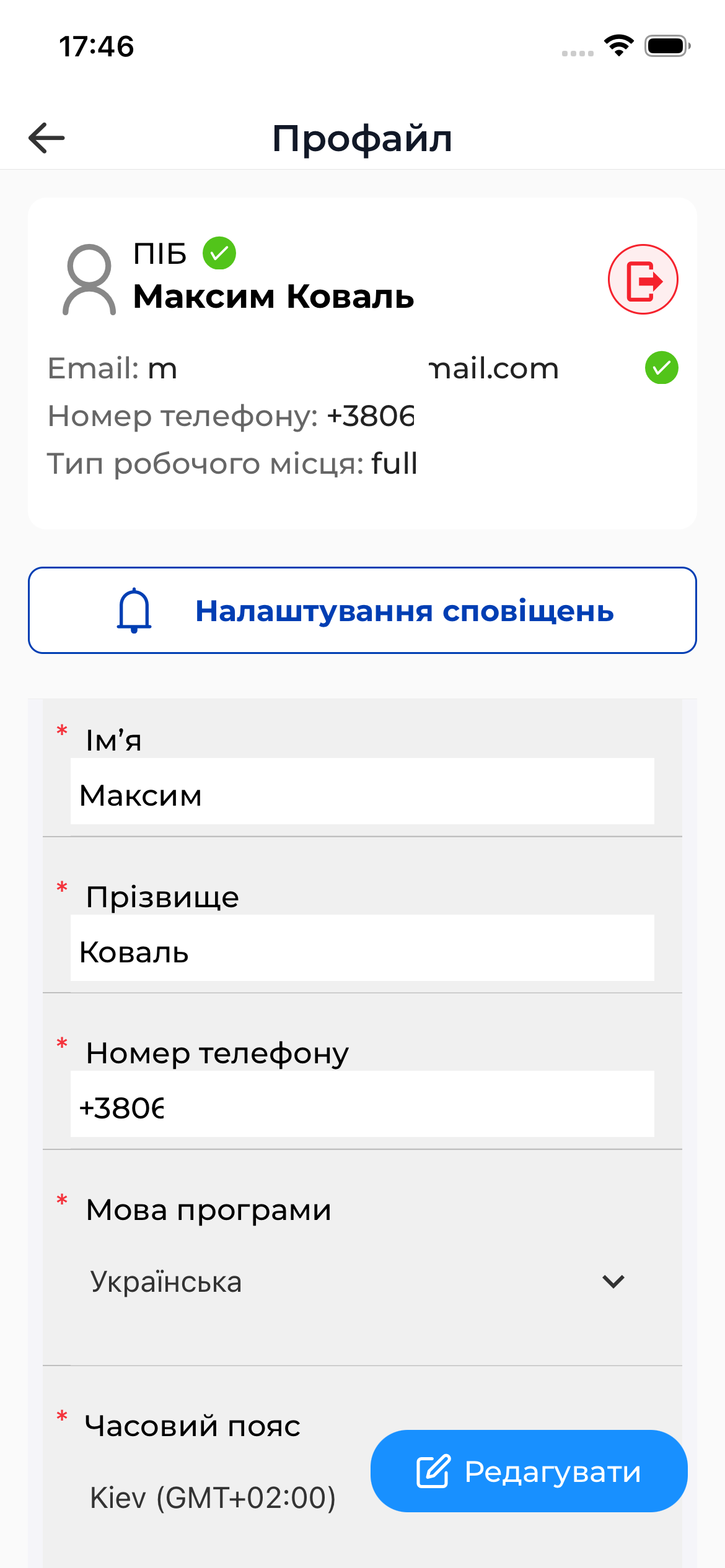
The workspace type defines the available functionality and is configured by a system administrator.
Editing the Profile
The user can independently change:
- First name
- Last name
- Phone number
- Application language
- Time zone
To edit the profile, tap the Edit button, make the changes, and save them.

Changes take effect after saving and may affect how dates, times, and the interface are displayed.
Logging Out
The profile section also provides the option to log out of the account.
- Go to User Profile
- Tap Log out
- Confirm the action
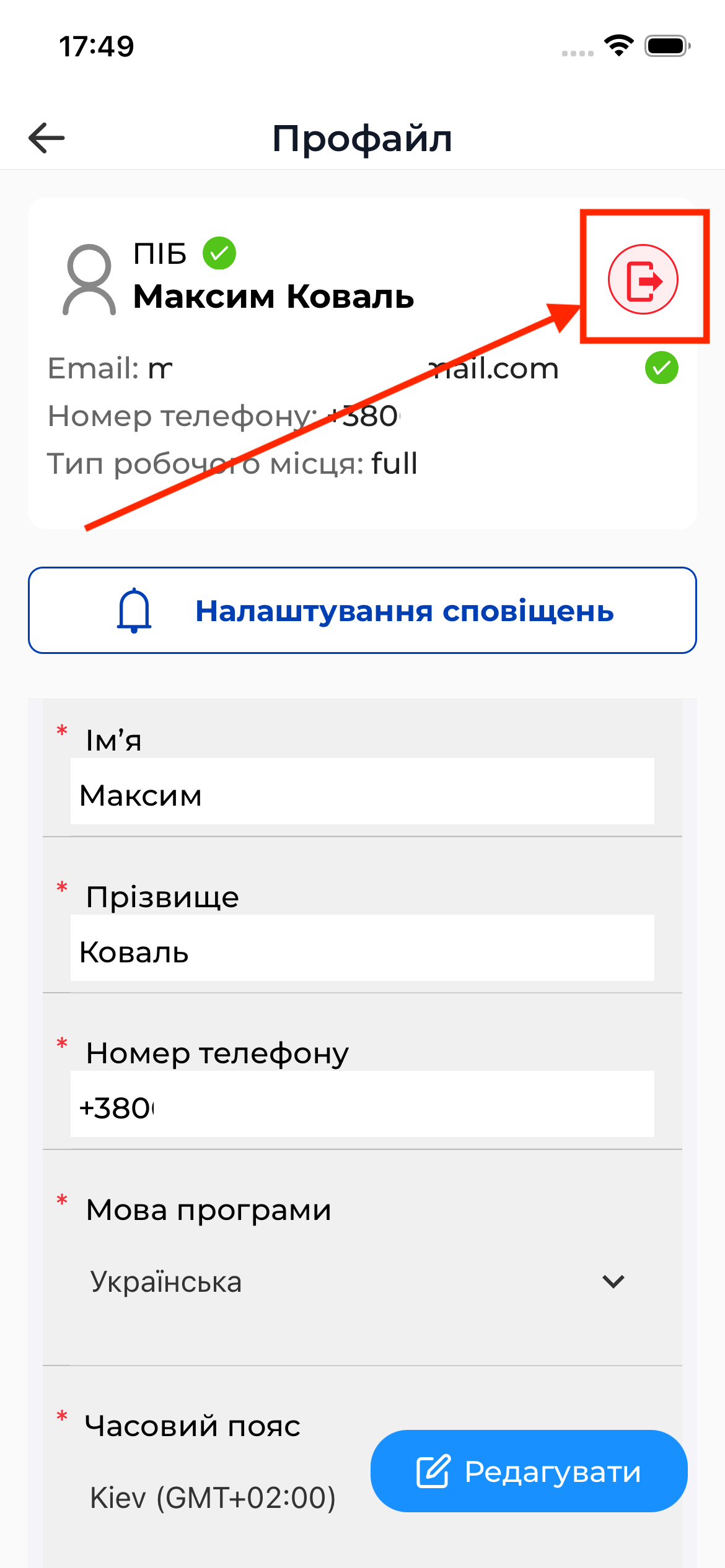
After logging out, you must sign in again to access the application.
Important to Know
Important
- The user email cannot be changed
- Some profile parameters may be read-only
- All changes are performed online and are saved to the server immediately