Completed
The Completed section contains all tasks that have been finished and closed by the user or other participants in the process.
Purpose of the Section
This section is used for:
- reviewing the history of completed tasks
- monitoring completed actions
- analyzing workload and performance results
What Is Displayed in the List
For each completed task, the following information is available:
- task name
- priority
- status
- audit object
- assignee
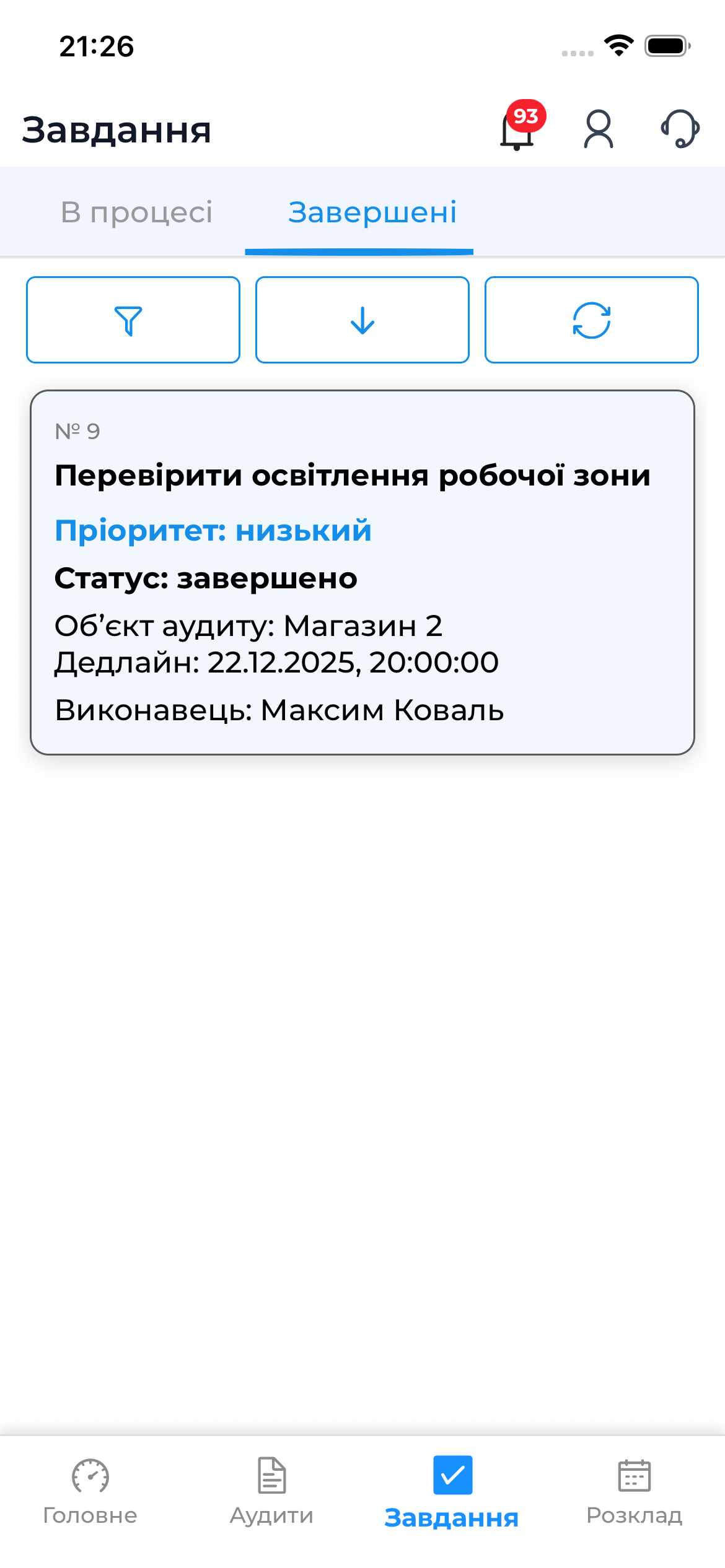
Viewing a Completed Task
The user can open a completed task to:
- view task details
- review the execution history
- view comments and results
Online Requirements
- the section is available only online
- data is loaded from the server
Good to Know
Note
- Detailed information about working with tasks is available in the web documentation.