In-App Notifications
In-app notifications are displayed in the app via the notification bell icon in the top bar.
This section contains a history of all events related to audits, tasks, and other actions in the system.
This section works only in online mode.
Notification List
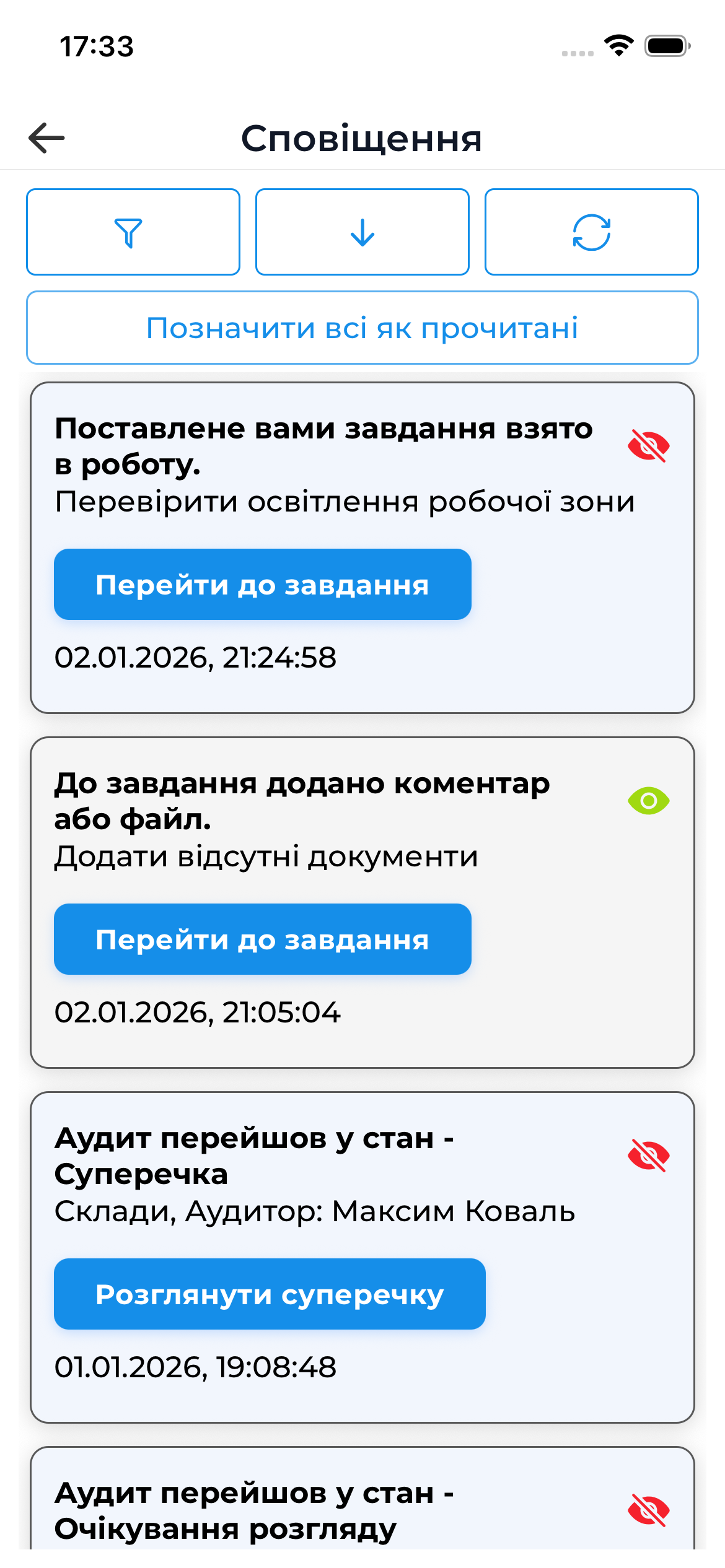
When you tap the notification bell icon, the in-app notification list opens, showing:
- audit-related events
- status changes
- task-related messages
- other system notifications
Navigating to Objects
Just like with push notifications:
- each in-app notification may be linked to a specific object
- tapping it navigates directly to that object (audit, task, etc.)
This allows you to quickly view event details without additional searching.
Important
- In-app notifications complement push notifications and allow you to review events even if a push notification was missed.
- The in-app notification channel can be disabled or configured in the user profile settings.